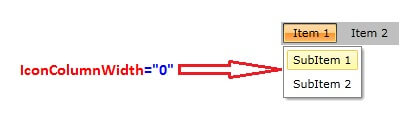
} You can create any number of these custom width classes according to your requirements
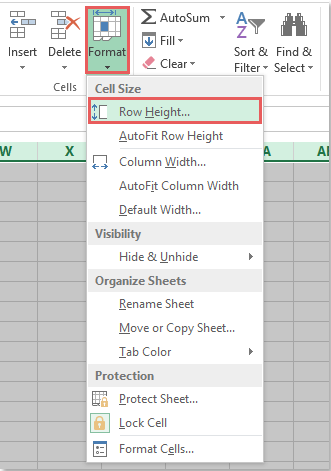
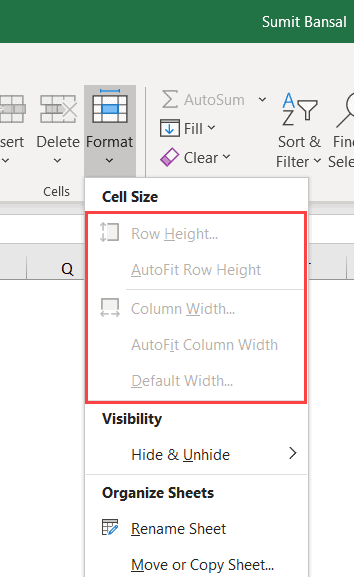
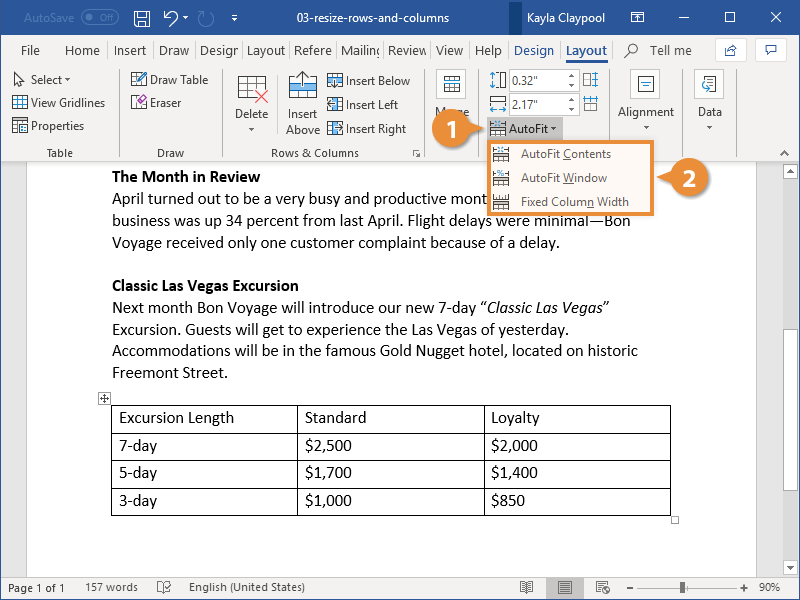
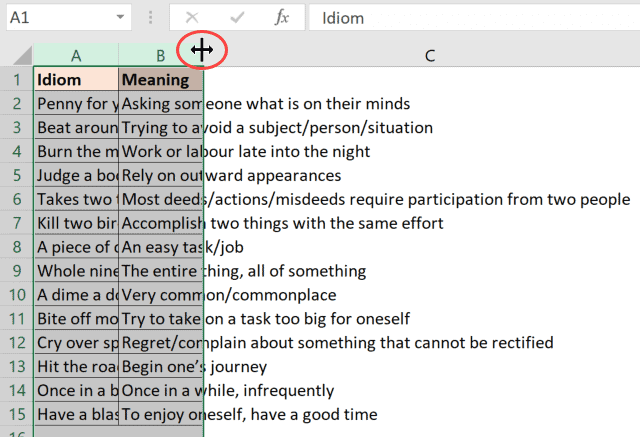
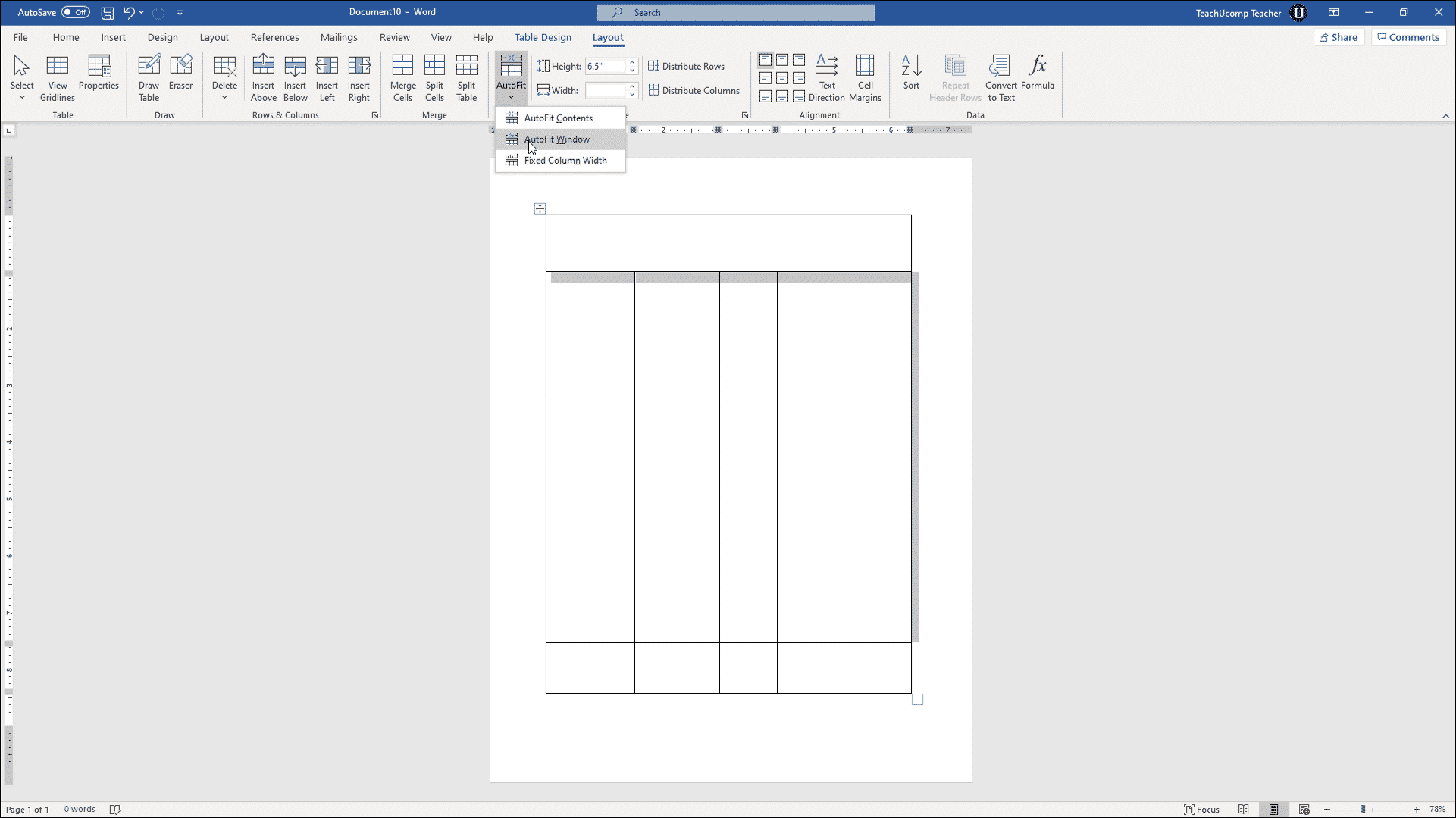
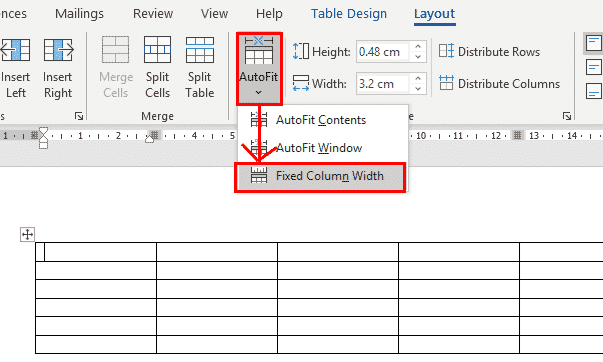
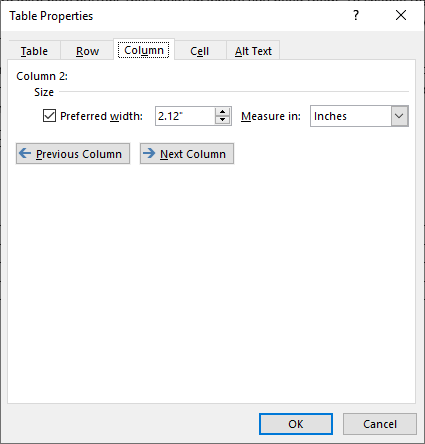
Column width icon- Set Up Column Width Precisely with the Columns Dialog Box When you set a Word document to use multiple columns, Word assigns a default column width that depends on the number of columns you choose Here are those default widths One Column 65″ width for the column This is the standard setup you’re used to seeing when you start typing in a blankDefine the size of each column individually If you want to change the size of a single column, you can use one of the following classes isthreequarters istwothirds ishalf isonethird isonequarter isfull The other columns will fill up the remaining space automatically
Column width iconのギャラリー
各画像をクリックすると、ダウンロードまたは拡大表示できます
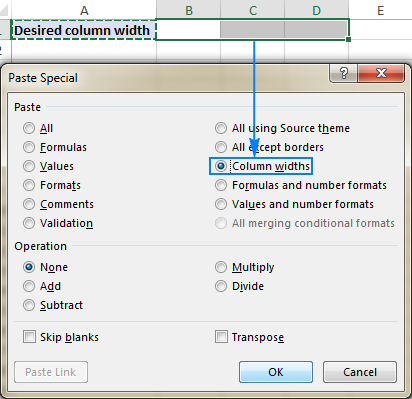 |  |  |
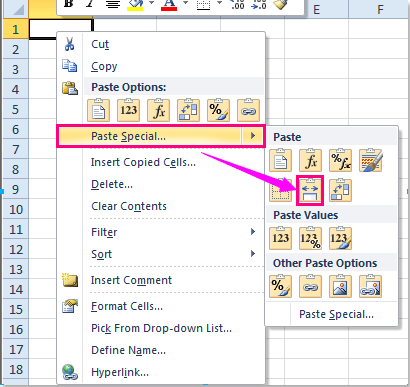 |  |  |
 | 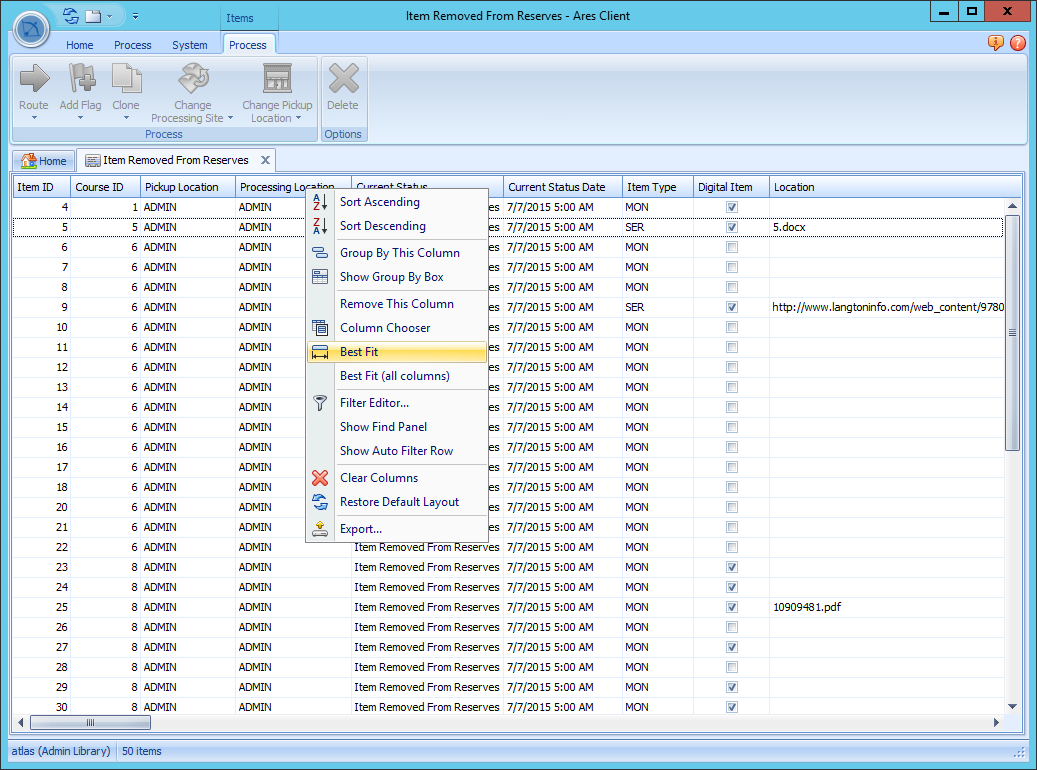 |  |
 | 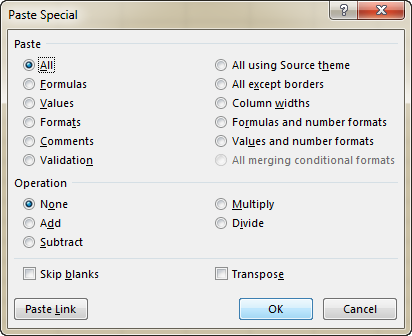 |  |
「Column width icon」の画像ギャラリー、詳細は各画像をクリックしてください。
 |  |  |
 |  |  |
 |  |  |
 |  |  |
「Column width icon」の画像ギャラリー、詳細は各画像をクリックしてください。
 |  | |
 |  | |
 |  |  |
 |  |  |
「Column width icon」の画像ギャラリー、詳細は各画像をクリックしてください。
 |  |  |
 |  | |
 |  |  |
 |  | |
「Column width icon」の画像ギャラリー、詳細は各画像をクリックしてください。
 |  |  |
 |  |  |
 |  | |
 |  |  |
「Column width icon」の画像ギャラリー、詳細は各画像をクリックしてください。
 |  |  |
 |  |  |
 |  | |
 |  |  |
「Column width icon」の画像ギャラリー、詳細は各画像をクリックしてください。
 |  |  |
 |  |  |
 |  |  |
 |  | |
「Column width icon」の画像ギャラリー、詳細は各画像をクリックしてください。
 |  |  |
 |  |  |
 |  |  |
 |  |  |
「Column width icon」の画像ギャラリー、詳細は各画像をクリックしてください。
 |  |  |
 |  | |
 |  |
//sets new label for the 2nd header the 1st column mygrid setColLabel (0, "New Column Label", 1); You can use column formatting to customize how fields in SharePoint lists and libraries are displayed To do this, you construct a JSON object that describes the elements that are displayed when a field is included in a list view, and the styles to be applied to those elements The element is styled using the msIcon, msIcon—Mail
Incoming Term: column width icon,


0 件のコメント:
コメントを投稿